How QR Codes Store Data and Survive Damage
A QR code is a grid of black and white squares that holds text, plus spare data that lets a scanner rebuild parts that are dirty or torn. Here is how that works.
In this article
A QR code stores data as a square grid of dark and light dots called modules. It also stores extra backup data, so a scanner can still read the code when part of it is smudged, torn or covered. This article explains how the grid is laid out, how much it can hold and what the four error-correction levels mean.
Where QR codes came from
Denso Wave, a Japanese company, created the QR code in 1994, and a team led by Masahiro Hara first used it to label car parts, according to Wikipedia. Ordinary barcodes hold a short number in one direction. A QR code spreads data across two directions, so it can hold far more in the same space.
Denso Wave holds a patent on the code but, according to the QR Code website, has waived its rights for codes that follow the published standards. That is one reason anyone can generate a code without paying a licence fee. The main international standard is ISO/IEC 18004. The QR Code website lists its first ISO version as June 2000, and Wikipedia says the current edition was published in August 2024.
The grid and its three big squares
A QR code is built from modules, the small squares. Sizes are called versions. Version 1 is 21 by 21 modules. Each higher version adds 4 modules to each side, up to version 40, which is 177 by 177 modules. The side length in modules is 4 times the version number plus 17.
Three large squares sit in the top-left, top-right and bottom-left corners. Each is made of nested squares in contrasting shades. These are called finder patterns. A scanner looks for them first, because three corner markers tell it which way up the code is and where its edges are, even when the phone is held at an angle. Larger codes also have a smaller square near the fourth corner that helps the software correct for tilt and curve.
What a code can hold
The amount of data depends on the version, on the type of characters and on the error-correction level. The QR Code website gives these maximums for the largest size at the lowest correction level:
- Digits only: 7,089 characters
- Letters, digits and a few symbols: 4,296 characters
- Bytes (for example, general text in 8-bit form): 2,953 characters
- Kanji: 1,817 characters
Digits are the cheapest to store, because the code packs them tightly. General text costs more per character. A short web address needs only a small, simple code, while a long block of text needs a dense one.
How the backup data works
QR codes use a method called Reed-Solomon error correction. The encoder takes the message bytes and works out extra check bytes from them using a mathematical formula. The check bytes are stored alongside the message. If some modules cannot be read, the scanner uses the check bytes and the readable bytes to work out what the missing ones must have been.
The standard offers four levels. Each level reserves a different share of the code for backup data, and the figure is the approximate share of the code's data that can be restored:
- Level L: about 7%
- Level M: about 15%
- Level Q: about 25%
- Level H: about 30%
There is a trade-off. A higher level survives more damage, but the backup data takes up room, so the same message needs a larger, denser code. A level L code holds the most data in the least space. A level H code is a better fit where the code may get scuffed, or where a logo is placed over the middle.
Why logos in the middle can work
Because of the backup data, a code can lose some of its modules and still be read. This is why some codes show a small logo in the centre. The logo hides modules, and the error correction covers for them. The covered area must stay within what the chosen level can restore, and the corner squares must stay clear. If too much is hidden, the scan fails.
Linking several codes
The QR Code website notes a feature called structured append, which splits one message across up to 16 separate symbols. A scanner that supports it can join the pieces back together. It is rarely seen in everyday use.
Smaller variants
The QR Code website also lists Micro QR Code, approved as a Japanese industrial standard in November 2004. It has just one finder square instead of three and is meant for small items where a full code would not fit.
What this means in practice
- Keep the data short when you can, so the code stays simple.
- Leave a blank margin around the code. Scanners use the empty border to tell where the code begins.
- Choose a higher error-correction level if the code will be printed on something that gets worn, and accept that it will look denser.
- Keep strong contrast between dark and light modules.
These points are general information and not requirements from a particular standard. The details of margins and contrast are set out in ISO/IEC 18004 and in the documentation of the tool you use.
Sources
Share
Keep reading
Related articles
How End-to-End Encryption Keeps Messages Private
End-to-end encryption means only the sender and receiver can read a message, not even the service carrying it. Here is how keys, ratchets and safety numbers fit together, and what it cannot protect.
How an SSD Stores Data Without Moving Parts
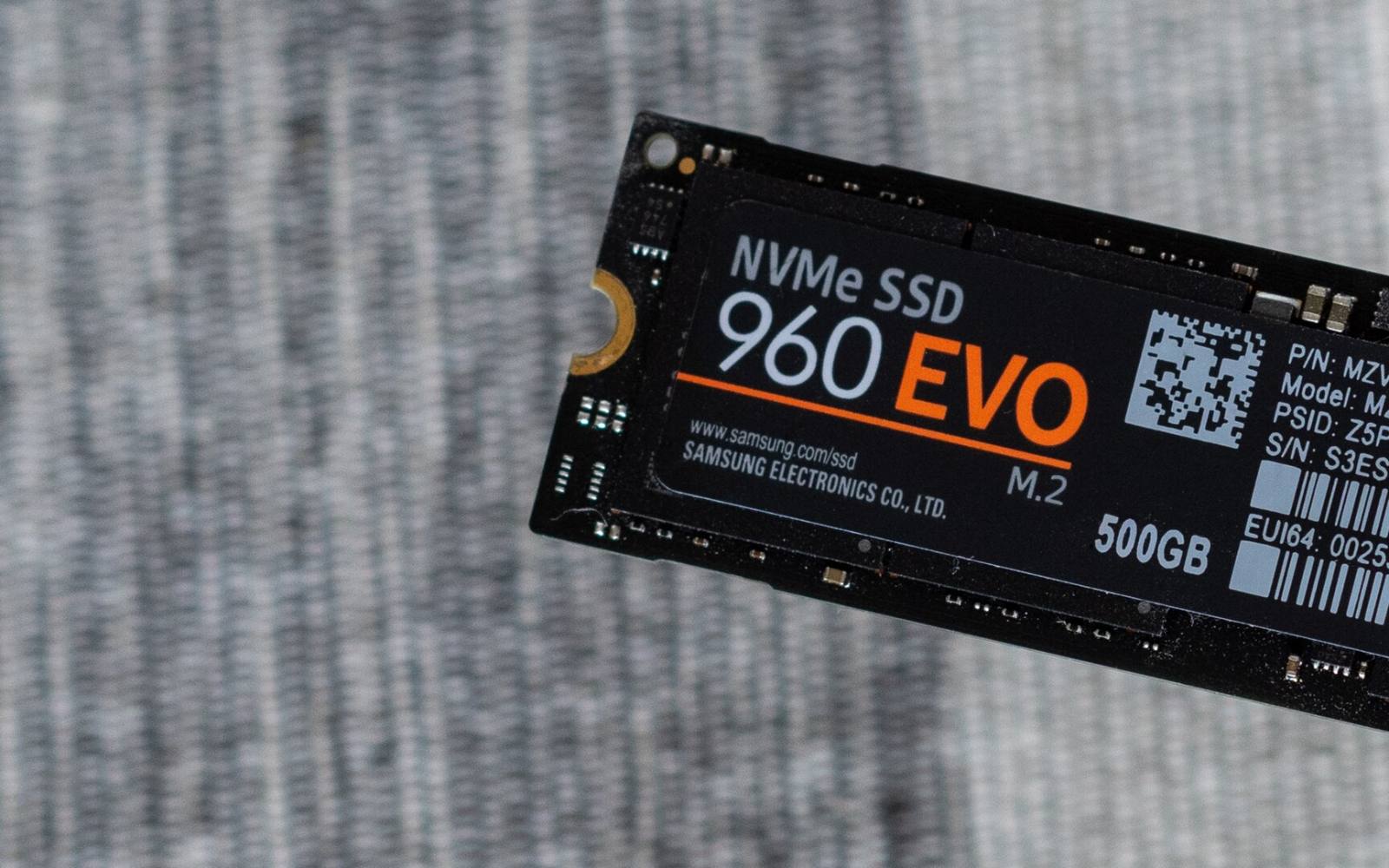
A solid-state drive keeps data in flash memory cells run by a small controller. See how cell types, wear levelling and write limits shape speed and lifespan.
How Passkeys Work: Signing In Without a Password
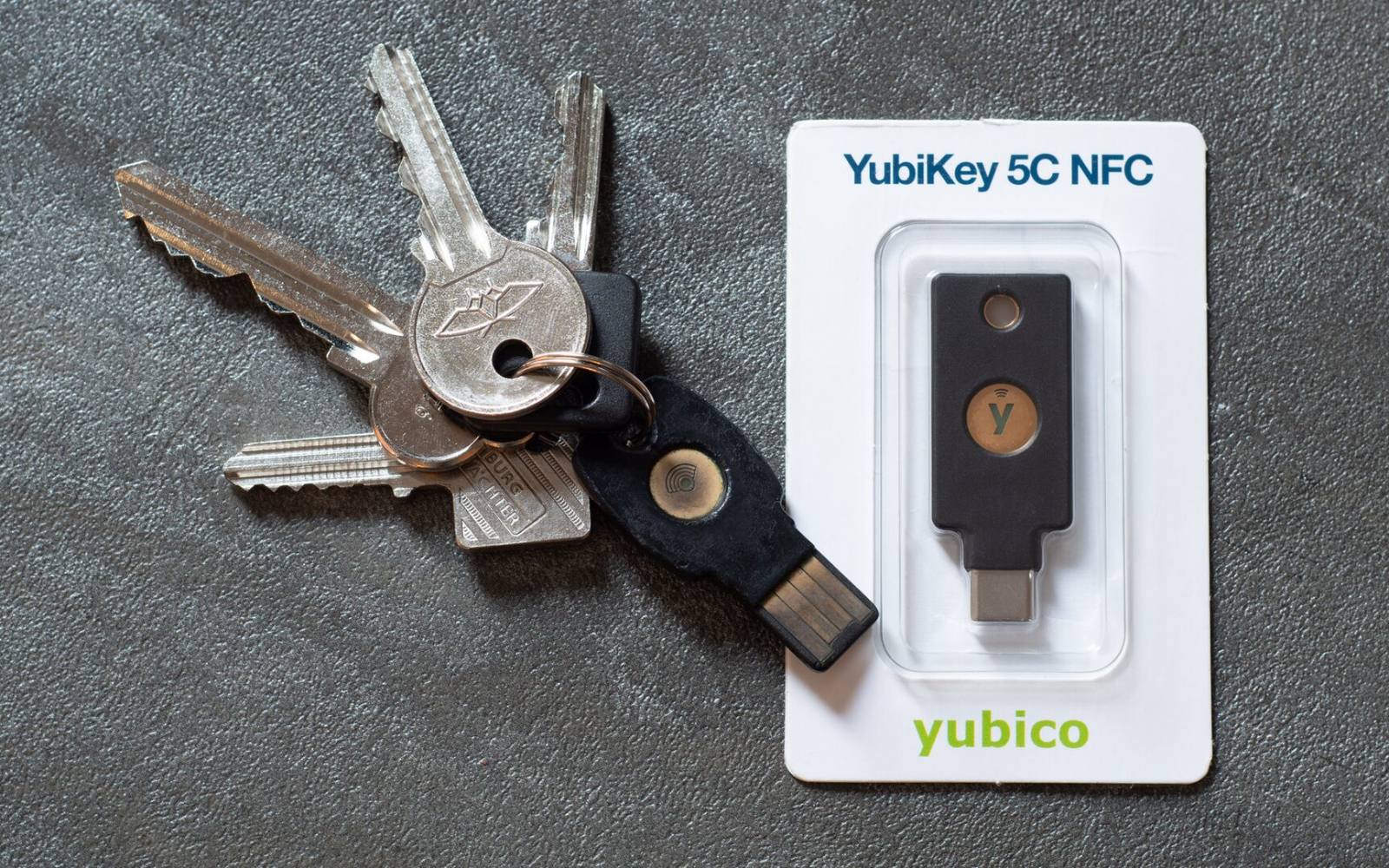
A passkey replaces your password with a pair of cryptographic keys. The private half never leaves your device, so there is no secret to type, steal or reuse.