How Passkeys Work: Signing In Without a Password
A passkey replaces your password with a pair of cryptographic keys. The private half never leaves your device, so there is no secret to type, steal or reuse.
In this article
A passkey is a sign-in credential that replaces a password. Instead of a secret word you type, your device holds a private key and proves it has it each time you sign in. You unlock your phone or computer with a fingerprint, face scan, PIN or pattern, and the website gets a cryptographic proof, not a password. The FIDO Alliance, the industry group behind the standards, describes passkeys as a sign-in method based on FIDO standards.
Two keys instead of one password
Passkeys use public-key cryptography. When you create a passkey for a website, your device generates a pair of linked keys for that account. The web.dev guide for developers, written by Google, explains that the passkey provider, such as a password manager or security key, creates the pair and keeps the private key. The website receives only the public key.
The two keys have different jobs. The public key can be shared freely and can only check a signature. The private key makes signatures and must stay secret. A signature made with the private key can be verified with the public key, but the public key cannot be used to make a signature.
What happens at sign-in
- The website sends your device a random challenge, a one-time piece of data.
- Your device asks you to unlock it with a fingerprint, face, PIN or pattern.
- If that succeeds, the private key signs the challenge, for the correct website address only.
- The website checks the signature with the stored public key and lets you in.
FIDO describes this as a challenge-response protocol. Your biometric check happens on the device itself. The FIDO page says the biometric data is not sent to the server, which only learns that the check succeeded.
What the website stores
The web.dev guide lists what a site keeps for each passkey: a credential ID, the public key, a user ID that should hold no personal information, timestamps for creation and last use, and an identifier for the type of passkey provider. It also keeps a flag saying whether the passkey is eligible for backup, meaning it can sync between devices.
No shared secret sits on the server. FIDO points out that this matters for data breaches: an attacker who steals the stored public keys gets nothing that can be used to sign in.
Why passkeys resist phishing
In a phishing attack, a fake site tricks you into typing your password. With a passkey there is nothing to type. The signature is tied to the genuine website address, and the web.dev guide says the private key signs only on the valid domain. A look-alike site is on a different domain, so your device will not produce a valid sign-in for it. FIDO says this resistance holds whether or not the keys are bound to hardware.
Synced and device-bound passkeys
FIDO describes two kinds. A synced passkey is stored by a provider and copied to your other devices signed in to the same account. FIDO says the syncing is end-to-end encrypted. Google Password Manager and iCloud Keychain are examples named by web.dev. This helps if you lose a device, because the passkey is still available elsewhere.
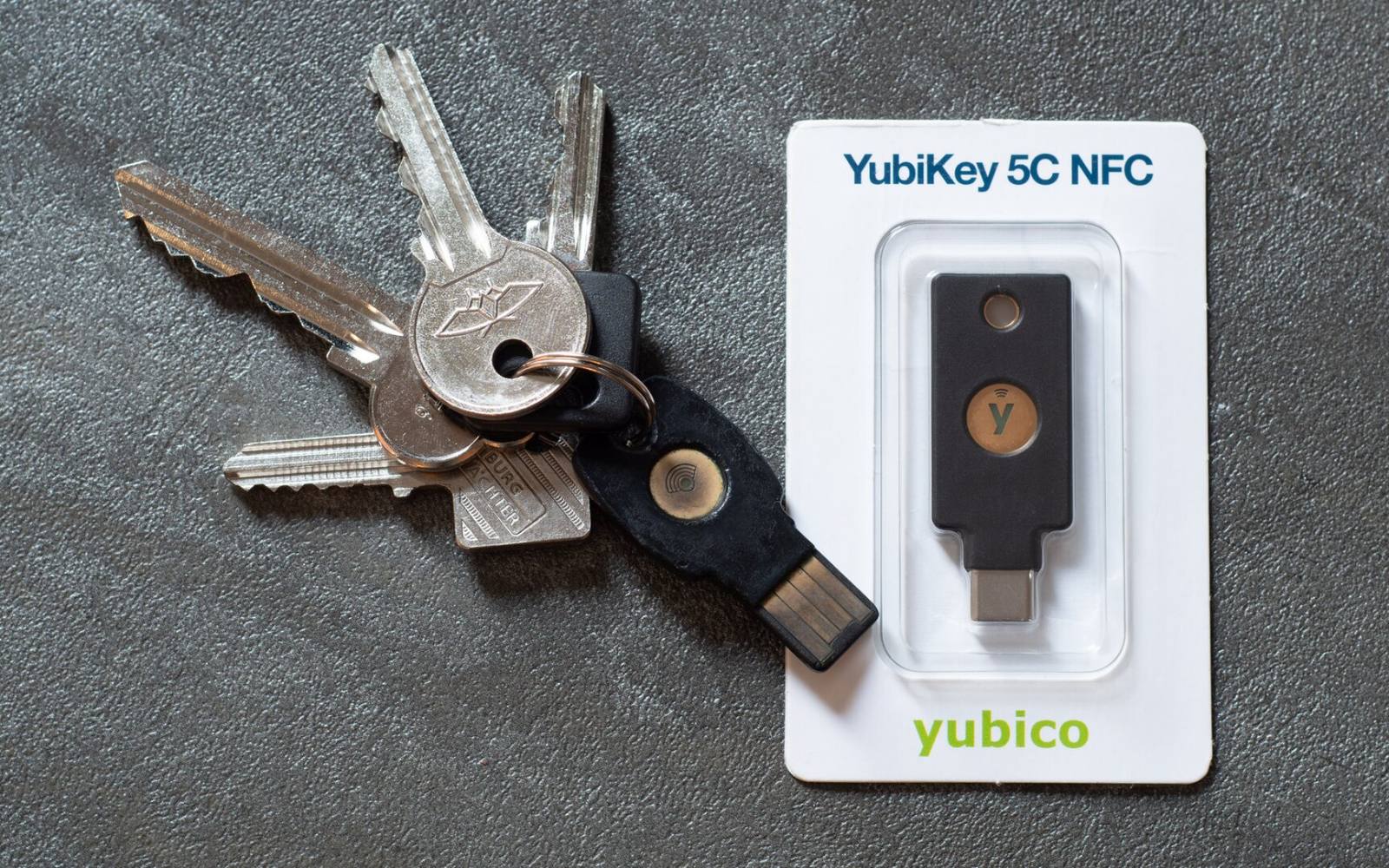
A device-bound passkey never leaves one device, for example a hardware security key. FIDO says these offer the highest assurance, with the trade-off that you must keep that device safe and have a plan if it is lost.
One step or two factors
If a site asks for user verification, a passkey combines something you have, which is the device or key, with something you are or know, which is your biometric or PIN. FIDO notes that this can cover the equivalent of two factors in one step.
In short, a passkey proves who you are with a signature, not a secret. Your private key stays with your device or password manager, the website holds only a public key, and a fake website cannot get a usable response.
Sources
Image credits: Cover photo: YubiKey 5C NFC by Daniel Aleksandersen, CC BY 4.0. Pictures from Wikimedia Commons.

Share
Keep reading
Related articles
What Is a Hash? SHA-256 vs SHA-1 Explained
What a cryptographic hash does, why SHA-256 is preferred to SHA-1, how to check a download against a published hash, and why hashes alone are wrong for storing passwords.

How to Read a JWT: Header, Payload and Signature
What the three parts of a JSON Web Token are, what claims like exp and iat mean, why decoding is not the same as verifying, and the mistakes that make tokens unsafe.
How to Create a Strong, Random Password
How long a password should be, why random beats clever, what bits of strength mean, how a fair generator works and why a password manager is the practical answer.